Monitor Arm Desk Setup: Why It’s Worth the Wall Space
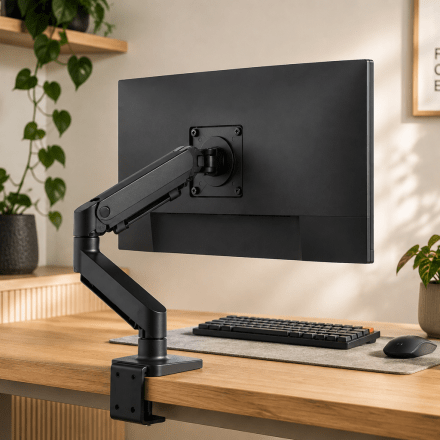
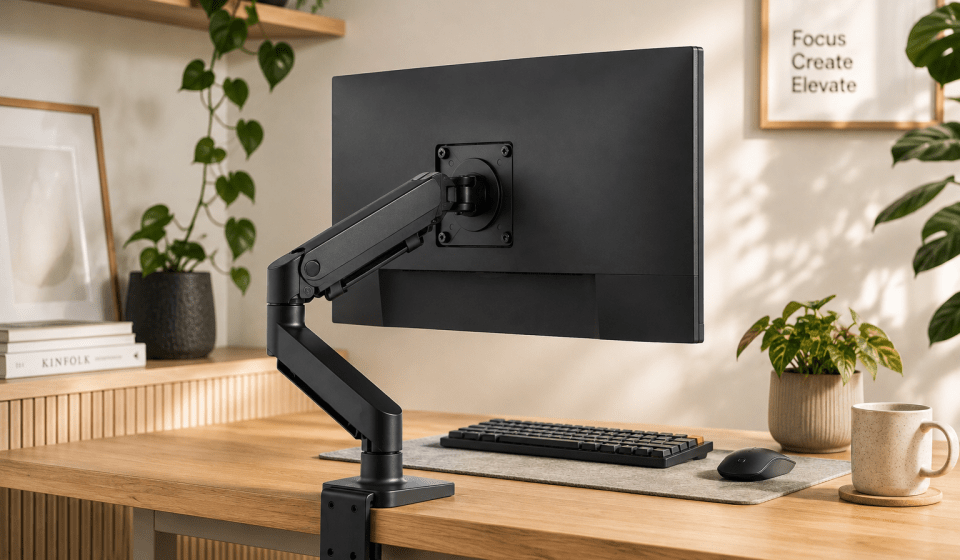
A monitor arm desk setup solves a problem most people don’t notice until it’s fixed: how much of the desk a monitor’s own stand quietly eats up. Swap the stand for an arm and the desk in front of the screen opens up completely — space that was previously just there to hold a plastic foot suddenly becomes usable again.
Table Of Content
- What to Look for in a Monitor Arm Desk Setup
- Wall-Mounted vs Desk-Clamped
- Setting Up a Monitor Arm Desk Setup Properly
- Getting the Height and Eye Line Right
- Routing Cables Cleanly
- Planning for a Second Monitor
- Common Mistakes With a Monitor Arm Desk Setup
- A Small Change With a Bigger Effect Than Expected
For us, it wasn’t really about aesthetics to start with. It was about depth. Our desk wasn’t deep enough for the monitor’s stand without it eating into more than half the surface from the back, which left barely any room to work. A wall-flush arm solved that outright — and once it was installed, we shifted the desk forward a couple of inches so the monitor sat in line with the front edge, rather than floating awkwardly behind it.
What to Look for in a Monitor Arm Desk Setup
Before buying anything, a few specs actually matter more than the brand or the price:
- VESA compatibility — check your monitor’s mounting pattern (usually 75×75mm or 100×100mm) against the arm before ordering, not after
- Weight range — most arms list a min/max weight; sitting near the bottom of that range gives smoother, more reliable height adjustment than being near the top
- Mount type — clamp, grommet (through a desk hole), or wall-mounted, depending on the desk and whether the depth issue we ran into applies to you too
- Gas spring vs friction arm — gas spring arms move more smoothly and hold position better long-term; friction arms are cheaper but tend to droop over time
Wall-Mounted vs Desk-Clamped
A standard clamp arm works fine for most desks and is the simpler option — no drilling, no permanence. A wall-mounted arm makes sense specifically when desk depth is the issue, as it was for us, since it removes the monitor’s footprint from the desk surface entirely rather than just repositioning it. It’s a bigger commitment (you’re fixing something to the wall), but it solved a genuine space problem a clamp arm wouldn’t have.
Setting Up a Monitor Arm Desk Setup Properly
Getting the Height and Eye Line Right
OSHA’s guidance on monitor placement recommends positioning the top line of the screen at or below eye level, directly in front of you. It’s tempting to set the height once during installation and never touch it again, but the actual benefit of an arm over a fixed stand is being able to adjust it through the day — slightly lower for focused typing, slightly higher when leaning back.
Routing Cables Cleanly
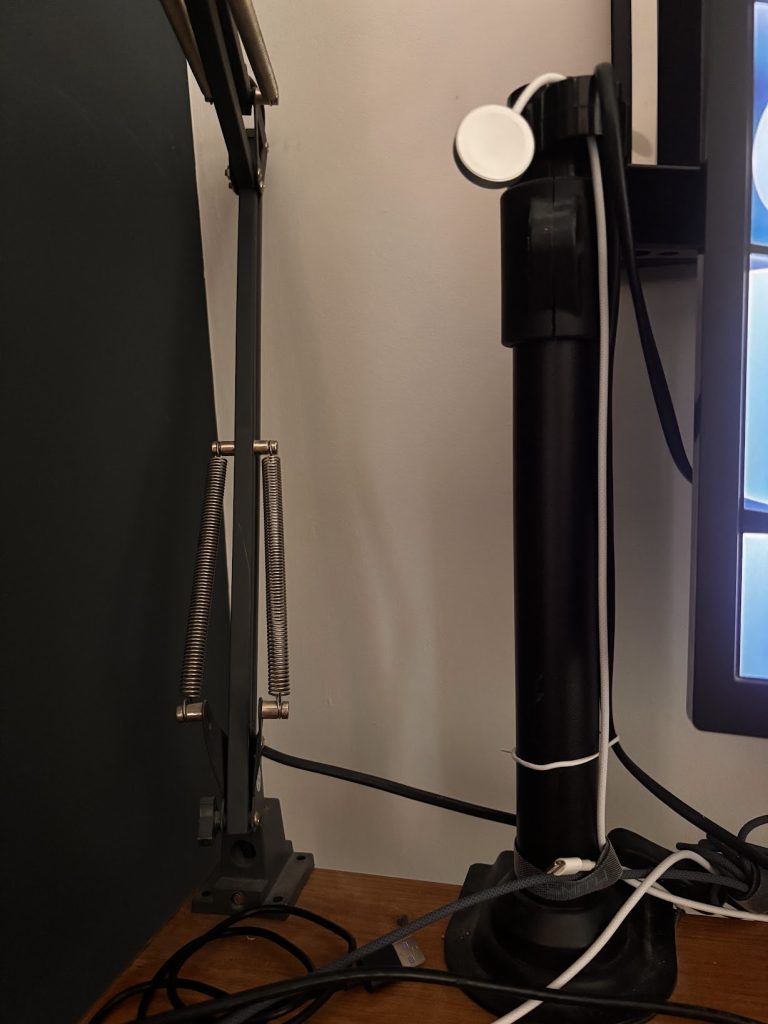
This is the one thing we’d do differently. We didn’t prioritise an arm with internal cable routing, and ended up with more visible cable than we’d have liked running down from the monitor to the desk. If a tidy monitor arm desk setup matters to you — and for a calm desk, it usually does — look specifically for an arm with a channel or clip system built into the pole itself, rather than trying to bolt on cable management after the fact.
Planning for a Second Monitor
If there’s any chance of adding a second screen later, it’s worth noting down the exact arm model and mount type now. Matching arms line up more cleanly side by side, and buying a second arm months later without that reference often means mismatched height ranges or clamp styles that don’t sit well together on the same desk.
Common Mistakes With a Monitor Arm Desk Setup
Not checking desk depth beforehand. The whole reason we moved to a wall arm was a desk that wasn’t deep enough for a standard stand. Measuring the desk against the monitor and arm’s reach before buying avoids the same issue.
Ignoring VESA compatibility. Not every monitor uses the same mounting pattern, and adapters aren’t always available or well-made. Confirm this before the arm arrives, not after unboxing it.
Overloading a budget arm. A monitor sitting near the top of an arm’s stated weight limit will often droop or drift within a few months. If your monitor is on the heavier side, it’s worth going for an arm rated comfortably above its weight rather than right at the edge.
A Small Change With a Bigger Effect Than Expected
A monitor arm desk setup sounds like a minor upgrade until it’s actually in place — then the extra desk space, the fine height adjustment, and the cleaner sightline all add up to something that changes how the whole desk feels to sit at. Ours came from solving a specific depth problem rather than chasing an aesthetic, but the day-to-day benefits — nudging the height through the day, having a genuinely clear desk in front of the screen — turned out to matter more than we expected going in.