
Hide Desk Cables Like a Designer: Simple Ideas for an Organised Setup
When you’ve carefully curated every element of your workspace — the monitor, lighting, even the plant on the corner — nothing ruins the look faster than cable clutter.
Messy wires instantly draw the eye, making even a beautiful desk feel chaotic.
Table Of Content
- Why Hiding Desk Cables Actually Matters
- How to Hide Cables Under Your Desk
- How to Hide Cables On Your Desk (and Behind It)
- The Under-Edge Mount Method
- Other On-Desk Cable Hiding Ideas
- Desk Cable Management Ideas That Actually Look Good
- Final Touches: Little Details That Keep It Clean
- Wrap-Up: The Deskfully Way to Hide Desk Cables
But hiding your desk cables isn’t just about looks. It’s about creating visual calm, which leads to better focus and a smoother workflow. Here’s how to hide desk cables neatly, without compromising accessibility or style.
Why Hiding Desk Cables Actually Matters
Cables aren’t just visual noise — they interrupt your sense of order. A clean workspace creates a psychological boundary between “everything’s under control” and “something’s off.”
When cables are tucked away, the desk itself becomes the focal point again.
It’s a small detail that transforms your setup from functional to intentional.
How to Hide Cables Under Your Desk
If your goal is a totally clean look, start underneath your desk.
- Cable trays and under-desk racks are ideal for hiding power strips and long leads. Mount them toward the rear edge so they’re invisible from most angles.
- Adhesive cable raceways help route cables along the underside of your desk and down the leg — perfect for setups with standing desks, where the cables need to move smoothly as the height adjusts.
- Velcro straps and clips keep everything bundled, especially if your setup includes multiple screens or a sit–stand frame.
💡 Deskfully Tip: Always leave a little slack in your cables. A tight cable run looks good for five minutes, but the first time you move a monitor or unplug a laptop, you’ll wish you’d allowed some flexibility.
How to Hide Cables On Your Desk (and Behind It)
Hiding cables on your desk is all about keeping power within reach — but out of sight.
The Under-Edge Mount Method
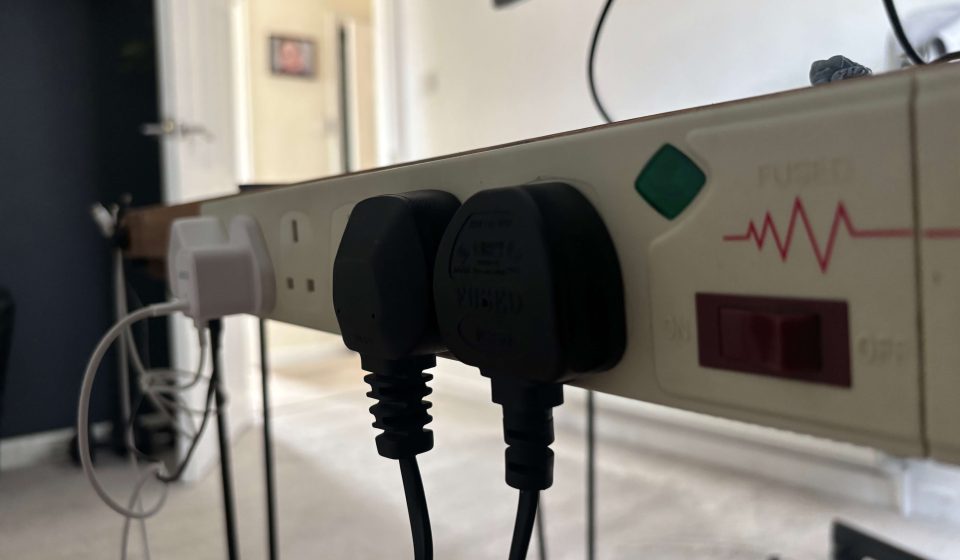
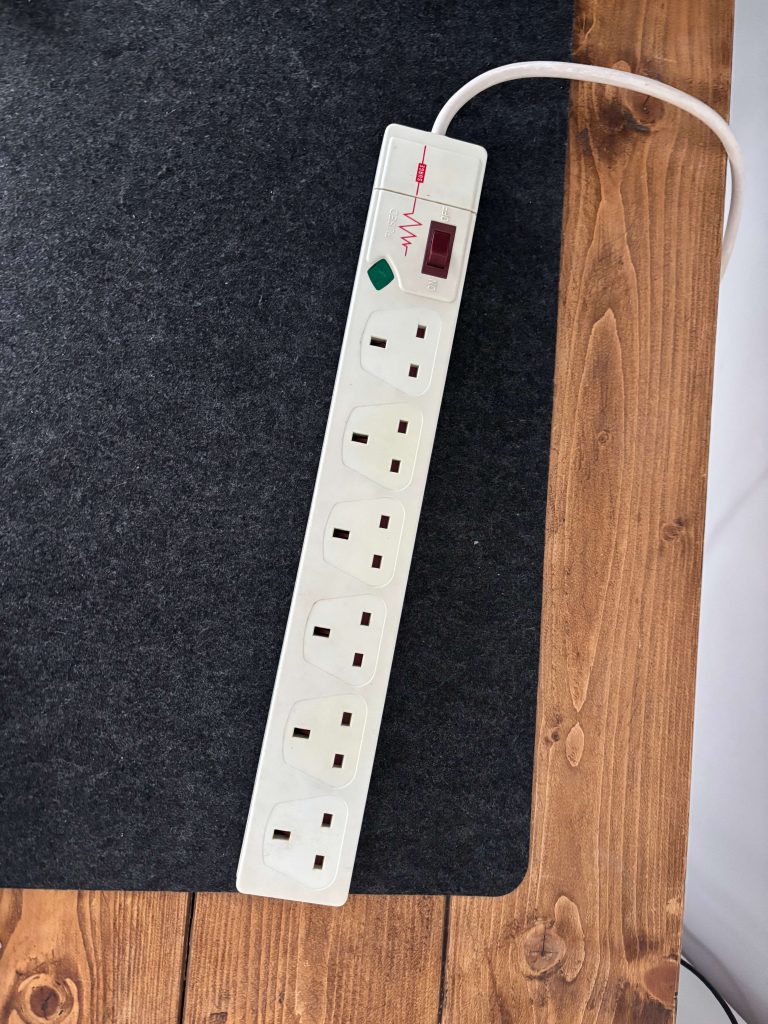
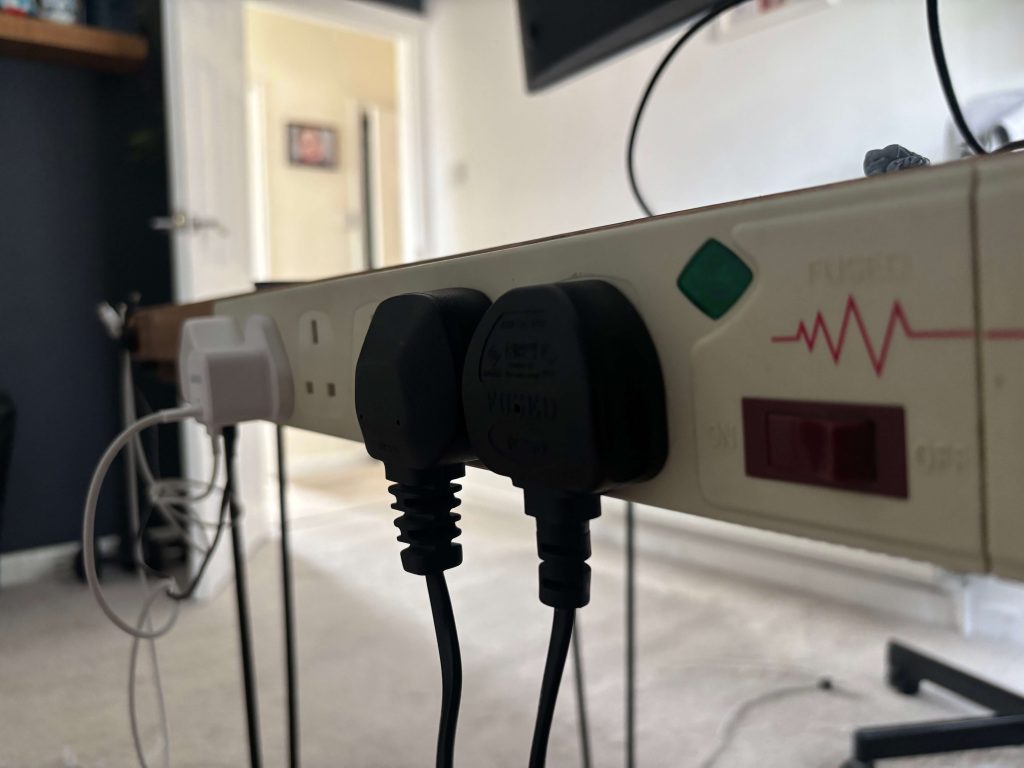
One of the cleanest solutions is to mount your surge socket to the back underside of your desk.
This keeps all your power leads tucked away, while making it easy to plug things in without crawling under the desk. You can simply reach out toward the back of the desk, and swap out peripherals/plugs as you need them!
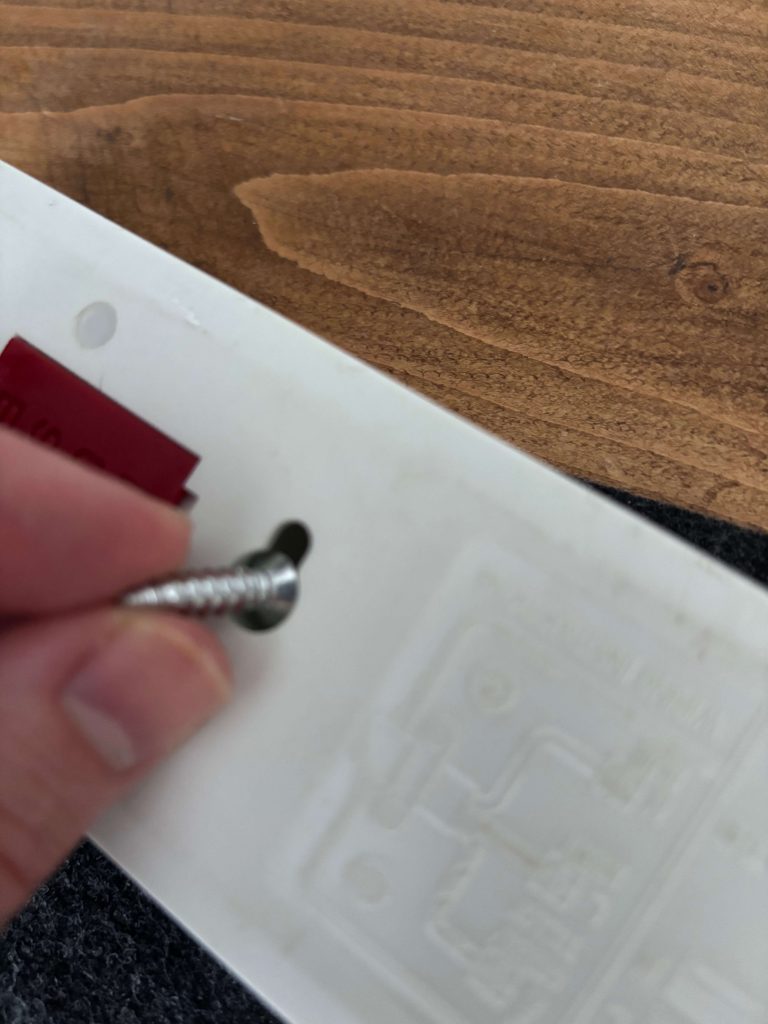
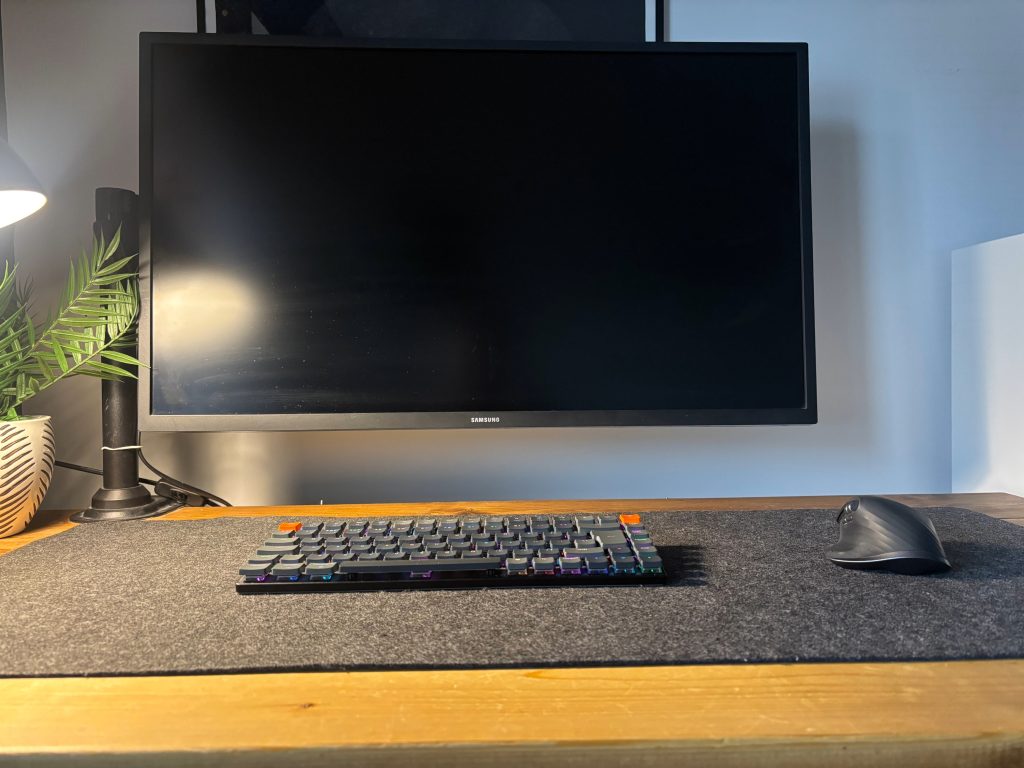
In my own setup (shown below), I used a slim surge socket mounted to the rear edge using short screws. All cables run neatly upward into the socket, while the main power lead drops behind the leg, hidden from view.
The result? No visible tangle, no floor mess — just a floating, seamless desk surface.
Other On-Desk Cable Hiding Ideas
Once your power source is mounted, the rest comes down to small refinements:
- Cable management boxes — A simple way to conceal chargers and excess cables.
- Try a wooden cable management box to match a natural or mid-century desk aesthetic.
- Or opt for a rattan cable management box for a softer, textural look that blends with Scandinavian or bohemian setups.
- Grommets — Drilling a small, clean hole for cable passthrough instantly reduces desktop clutter.
- Clips and sleeves — Subtle cable sleeves (especially in neutral tones) can blend power leads seamlessly into your desk design.
💡 Deskfully Tip: If you’re using a standing desk, use flexible cable snakes or braided sleeves to allow movement without visible mess.
Desk Cable Management Ideas That Actually Look Good
Cable management doesn’t have to mean plastic clips and black boxes.
If your workspace has a clear visual identity, your cable management should complement it — not hide from it.
Here are a few aesthetic-driven ideas:
- Match cable colors to your desk tone — black cables on walnut, white on birch.
- Choose mounting hardware in matte black or brushed steel for a premium look.
- Use woven fabric sleeves instead of plastic ones for a softer finish.
- Label your cables with minimalist tags or braided bands — practical, but still neat.
Final Touches: Little Details That Keep It Clean
Once your main cables are managed, focus on the peripherals:
- Route headphone or USB-C cables into a drawer using adhesive clips.
- Mount your monitor arm so cables run internally through the arm structure.
- Tuck chargers into the same box as your surge socket for an all-in-one hub.
The key is to keep flexibility without reintroducing clutter.
Your workspace should be ready for whatever task comes next — without ever showing the chaos underneath.
Wrap-Up: The Deskfully Way to Hide Desk Cables
A clean desk isn’t just a visual upgrade — it’s a mental one.
When cables disappear, focus returns to where it should be: your work, your creativity, and your space.
Take the time to hide your desk cables properly and it’ll pay off every day — with fewer distractions and a setup that finally feels complete.
Once your cables are hidden, there’s still the question of where all those plugs and adapters actually live.
Our next article explores how the right cable management box can bring the final sense of order — not by adding more, but by simplifying what’s already there.