Small Home Office Ideas: What Actually Works
There’s a particular kind of optimism that comes with setting up your first proper home office. You’ve earmarked a corner, you’ve measured the space twice, and you’re convinced that with the right desk and a bit of determination, you can make it work. We’ve been there. And like most people, we got a few things wrong before we got them right.
Table Of Content
- Start with the space, not the furniture
- The nook temptation (and why to be careful)
- Getting the desk size right — the goldilocks problem
- The monitor arm is not optional
- Light: the thing most people get wrong
- Plants: more than decoration
- Invest early, buy once
- A few ideas worth trying in a small space
- The bigger picture
This isn’t a list of forty ideas with stock photography. It’s a considered guide to designing a small home office that genuinely supports the way you work — one that doesn’t just look good in a photo, but feels good to sit in every single day.
Start with the space, not the furniture
The most common mistake people make when designing a small home office is choosing the furniture before they’ve really understood the space. It sounds obvious, but most of us do it the other way around — we fall for a desk online, order it, and then figure out where it’s going to live.
Before you buy anything, spend some time in the room at different points during the day. Notice where the light comes from. Notice where it hits at 9am, at midday, and at 3pm. Notice which corners feel calm and which feel exposed. This information is more valuable than any product review.
The other thing worth mapping early is natural traffic flow. A workspace that sits in the path of a door, or directly opposite a window, will create friction you’ll feel every single day — even if you don’t consciously register why.
The nook temptation (and why to be careful)
There’s something deeply appealing about tucking a desk into a nook — behind a door, under a staircase, into an alcove. It feels efficient. It feels contained. And architecturally, those spaces often have a lot of character.
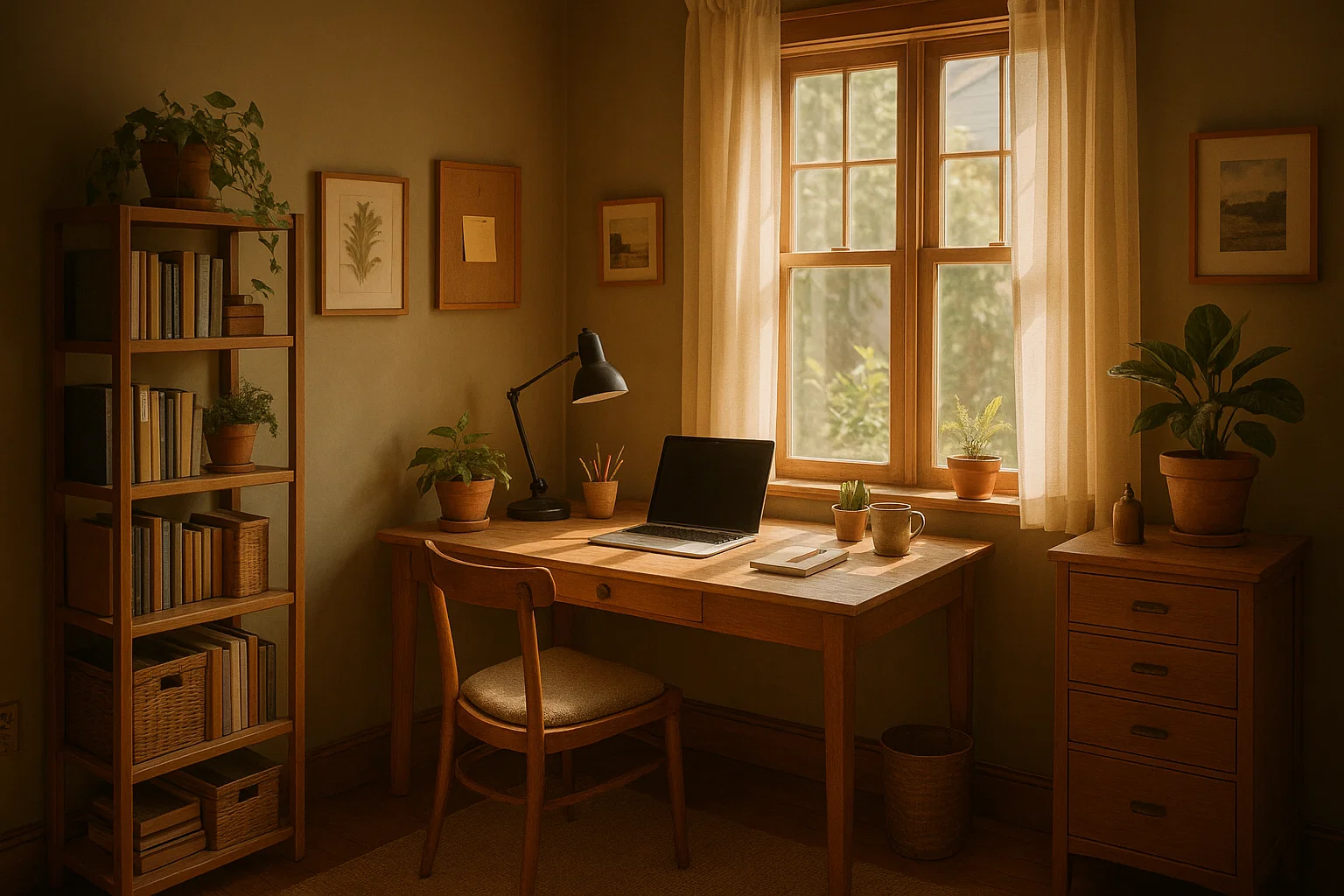
We set up our own workspace in exactly this kind of spot: a compact corner behind the door, positioned under a thick wooden shelf that we loved. On paper it was perfect. In practice, it was too small, too enclosed, and the monitor sat directly opposite the window — which meant a glare problem that no amount of blind-adjusting ever fully solved.
The lesson: nooks work brilliantly as home office spaces, but they need to be planned carefully. Check the light direction before you commit. Make sure you’re not sacrificing too much desk surface for the sake of a neat footprint. And think about whether the enclosed feeling will energise you or quietly drain you over time.
Getting the desk size right — the goldilocks problem
Desk size is one of those things that’s very hard to get right on the first attempt. Most people either err too small (trying to squeeze into a space that can’t comfortably support a proper work setup) or go too large (buying something that dominates the room and leaves no breathing space).
We’ve made both mistakes. A desk barely big enough to sit a MacBook next to a monitor feels compromised from day one. But a desk that fills an entire small room creates a different kind of stress — the room feels consumed by work, with nowhere for your eye to rest.
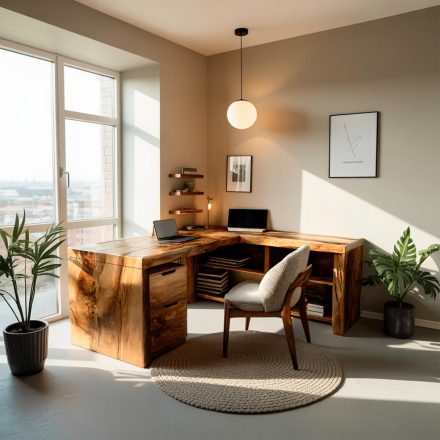
For a small home office, somewhere between 120cm and 140cm wide tends to hit the sweet spot for most people. Wide enough to have a monitor, a keyboard with wrist room, and a small clear zone beside them. Compact enough that the room retains a sense of space.
If you’re unsure, use masking tape on the floor to mark out your intended desk footprint before buying anything. It takes five minutes and can save you a very expensive mistake.
The monitor arm is not optional
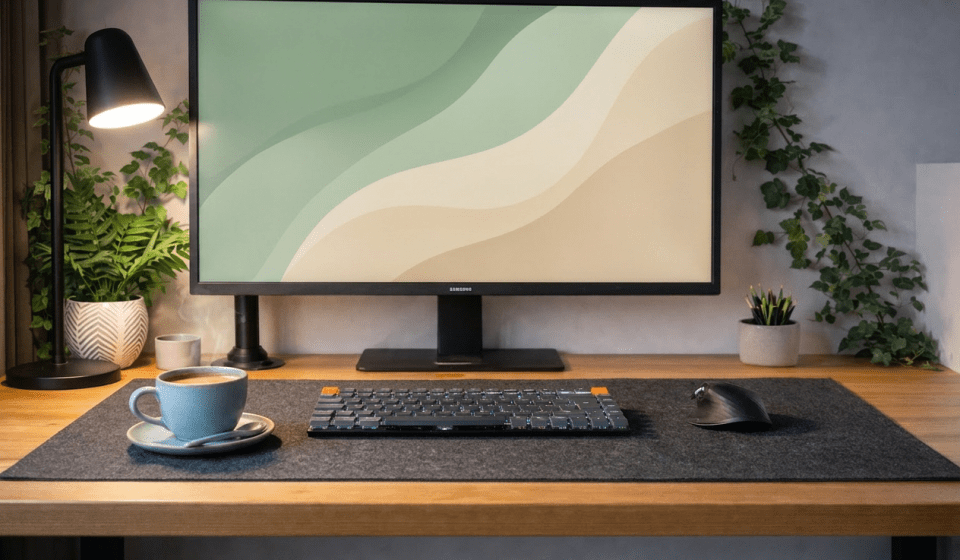
If there’s one upgrade that transforms a small desk setup, it’s a monitor arm. Moving your monitor off the desk surface does several things at once: it frees up significant desk real estate, allows you to position the screen at the precise height and angle your posture needs, and makes the whole setup look considerably cleaner.
In a small home office, desk space is at a premium. A monitor stand — even a minimal one — takes up a permanent footprint. A monitor arm removes that footprint entirely and gives it back to you.
The other benefit is ergonomics. Most people work with their monitors too low, which over time creates neck strain and fatigue — a risk highlighted in HSE guidance on display screen equipment. A monitor arm makes it genuinely easy to get the height right, which is worth more than most productivity tools.
Look for something with a solid build quality and smooth adjustment. It’s worth spending a little more here — a monitor arm is something you’ll interact with multiple times a day, and a flimsy one that drifts out of position is quietly infuriating.
Light: the thing most people get wrong
Lighting is arguably the single biggest factor in whether a home office feels good to work in — and it’s the thing most people think about last, if at all.
There are two things to get right: natural light management and artificial light quality.
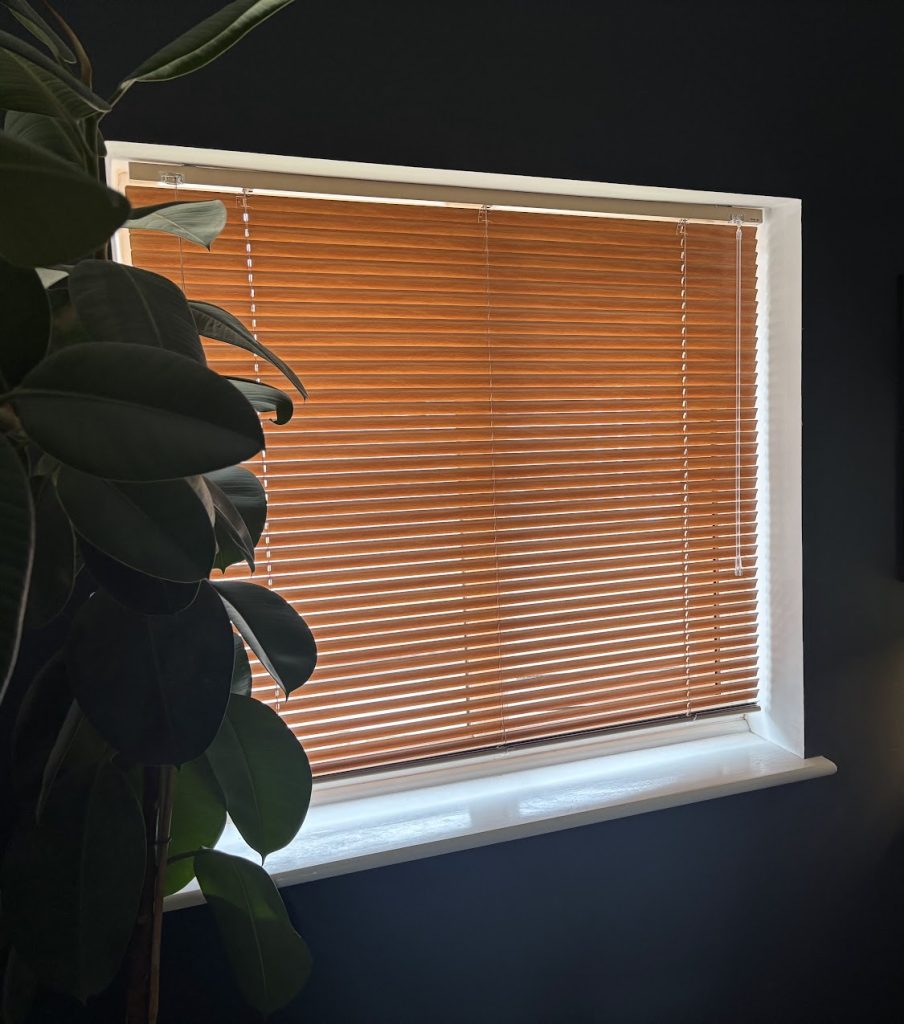
On natural light: ideally, your monitor should be perpendicular to the window rather than facing it or facing away from it. Direct light behind you creates glare on your screen. Direct light in front of you causes eye strain as you squint against the brightness. Side-on natural light is the goal.
If your layout doesn’t allow for that — and often in small rooms, it won’t — a good blind or curtain that gives you control over the light without blocking it entirely is worth the investment.
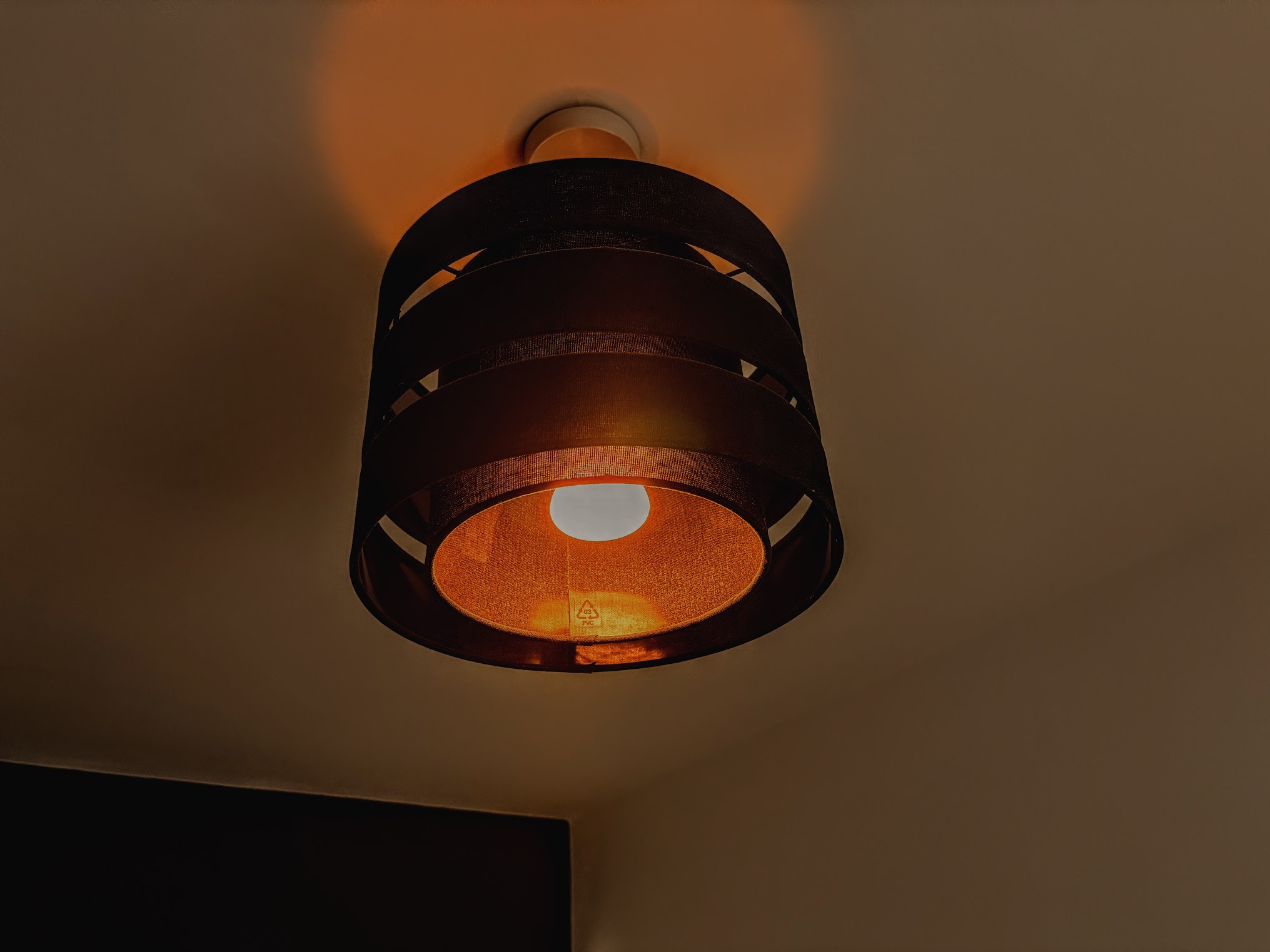
On artificial light: avoid harsh overhead lighting wherever possible. A warm desk lamp positioned to the side of your monitor makes an enormous difference to how the space feels, particularly in the evening. Warm-toned bulbs (around 2700–3000K) create a calmer, more focused atmosphere than the cold blue-white light that comes with most standard office setups.
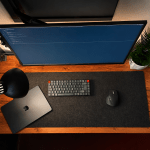
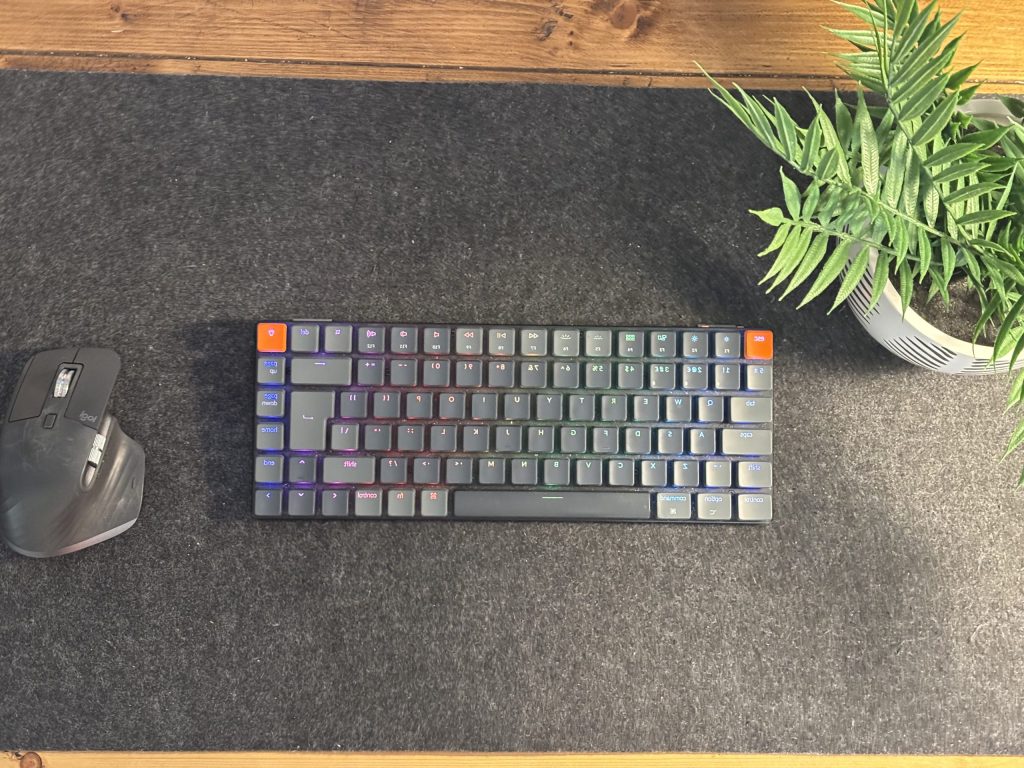
A large desk pad also helps here — it softens the light that bounces back up from your work surface and gives the whole setup a more considered feel.
Plants: more than decoration
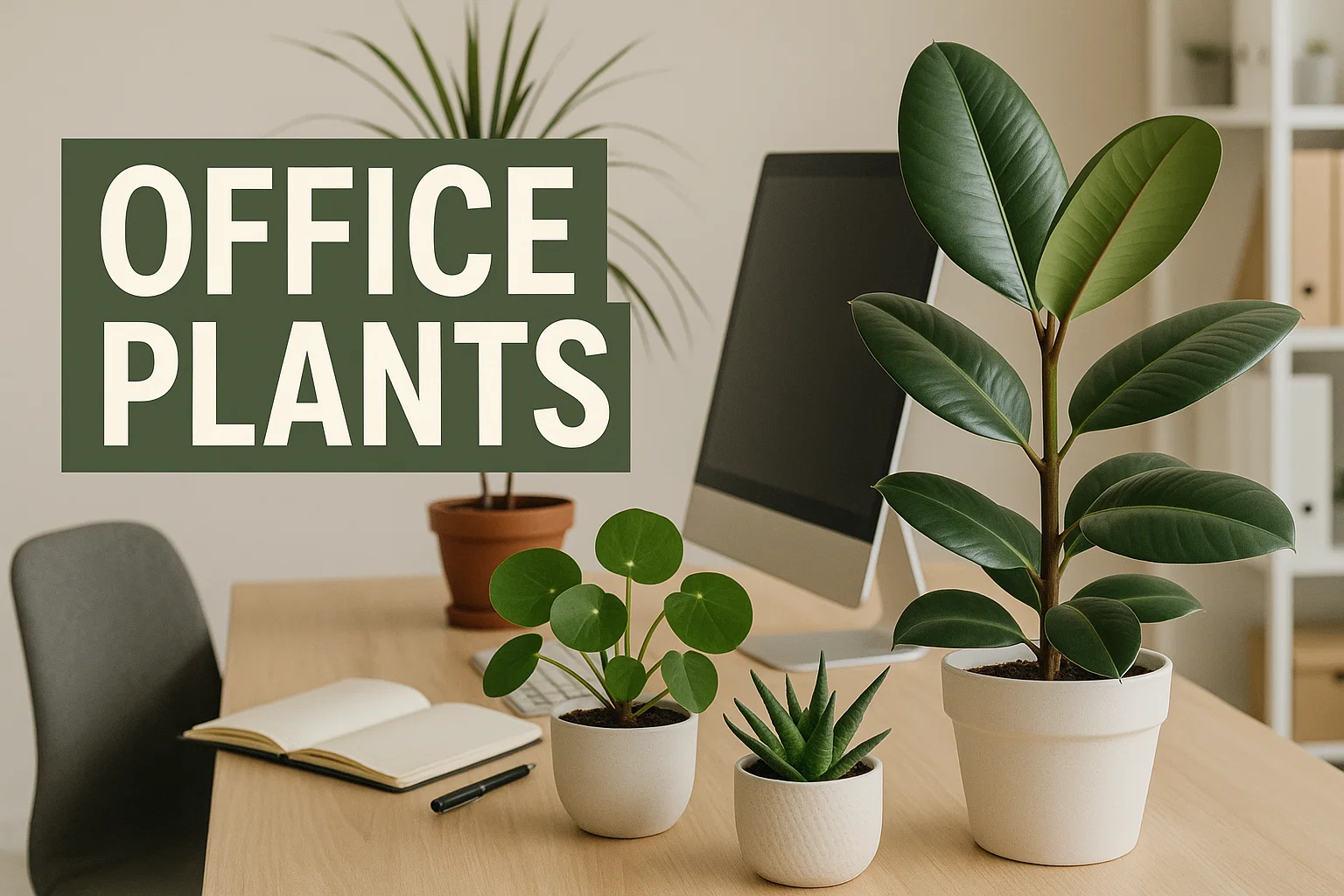
A well-chosen plant does something to a workspace that no amount of desk accessories can replicate. It adds life, softens hard edges, and — according to research from the University of Exeter, plants in a workspace can increase productivity by 15% and significantly improve concentration
In our own setup, a large fig tree sits nearby. It’s the first thing you notice when you walk in, and it does more for the feel of the space than almost anything else in it.
For small home offices, you don’t need anything elaborate. A single larger plant — a fiddle leaf fig, a monstera, a rubber plant — will make more impact than several small ones. Position it where it gets reasonable light, and choose a pot that works with the overall tone of the room.
If you’re in a particularly small space and floor room is limited, a trailing plant on a shelf or windowsill works just as well.
Invest early, buy once
This is perhaps the most practical piece of advice we can offer, and it’s one we learned the hard way.
When you’re setting up a home office for the first time, there’s a natural temptation to start with mid-range everything — a budget desk, a decent-but-not-great chair, a basic lamp — with the intention of upgrading later. The problem is that “later” rarely comes, and in the meantime you’re spending every working day in a space that feels slightly compromised.
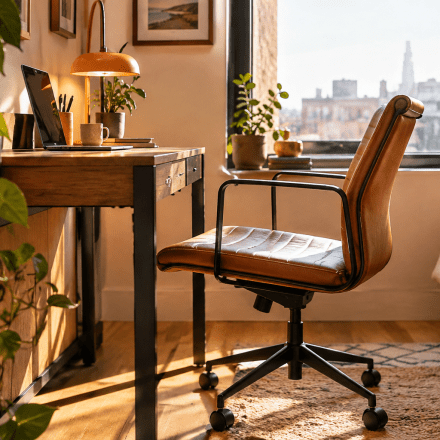
The items worth spending more on from the start: your chair, your monitor arm, your lighting, and your desk surface. These are the things you interact with constantly and that have the most direct impact on how you feel at the end of the day.
The items where you can reasonably economise: desk accessories, cable management solutions, decorative elements. These are easy to upgrade incrementally and rarely make or break the experience.
One well-chosen, well-made desk setup will outlast three rounds of cheap alternatives and cost you less in the long run.
A few ideas worth trying in a small space
Float the desk away from the wall. Counter-intuitively, pulling your desk a few inches away from the wall can make a small room feel larger, not smaller. It creates depth and prevents the workspace feeling like it’s been crammed in.
Use vertical space. A shelf above the desk — particularly a deep, well-made wooden one — adds storage and visual interest without eating into floor space. Keep it curated rather than cluttered.
Keep the floor clear. In a small office, what’s on the floor matters as much as what’s on the desk. Cable management, a considered rug, and minimal floor-level clutter make the room feel twice its actual size.
Match your materials. Wood tones, metal finishes, and fabric textures don’t need to match exactly, but they should feel like they belong to the same conversation. A chaotic mix of materials in a small space creates visual noise that’s surprisingly tiring to spend time in.
Control your cables. A large desk pad hides a multitude of sins on the desk surface. Behind the desk, a cable management channel or a few well-placed cable clips make an enormous difference to how considered the setup looks — and how easy it is to keep clean.
The bigger picture
A small home office doesn’t have to feel like a compromise. Some of the most productive, most enjoyable workspaces we’ve seen have been genuinely compact — designed with intention rather than just assembled from whatever was available.
The difference between a small office that works and one that doesn’t isn’t the size. It’s the thought that went into it before the first piece of furniture arrived.
Get the light right. Get the desk size right. Invest in the things you’ll use every day. And give the space enough room to breathe — a small desk setup with space around it will always feel better than a larger one that’s been crammed in.
The goal isn’t to maximise what fits. It’s to design something you genuinely want to sit down in.