Workspace Lighting: How to Design Lighting That Helps You Focus
Lighting is one of the most overlooked parts of a workspace. We obsess over monitors, keyboards, and plants — but the way your space is lit affects how well you focus more than nearly anything else on your desk.
Good workspace lighting doesn’t just make your setup look better for photos. It reduces eye strain, boosts concentration, and makes everything in the room feel more deliberate.
Table Of Content
- Why Workspace Lighting Matters for Focus and Productivity
- What Counts as Optimal Workspace Lighting?
- Colour temperature
- Brightness / lumens
- Avoiding glare
- Use more than one light source
- Focused Workspace Lighting: The One Lighting Layer Most People Overlook
- Workspace Lighting Ideas You Can Actually Implement
- Under-monitor light bars
- Behind-desk bias lighting
- Hidden LED strips
- Directional task lamps
- Lighting behind objects
- A simple rule: If you can see the bulb, it’s the wrong lamp
- Our Simple Deskfully Lighting Framework
- Bringing It All Together (And Tying It Back to Cable Management)
Below is a simple, designer-led guide to workspace lighting that improves focus and makes your setup feel intentional — building on the ideas explored in our desk design principles article.
Why Workspace Lighting Matters for Focus and Productivity
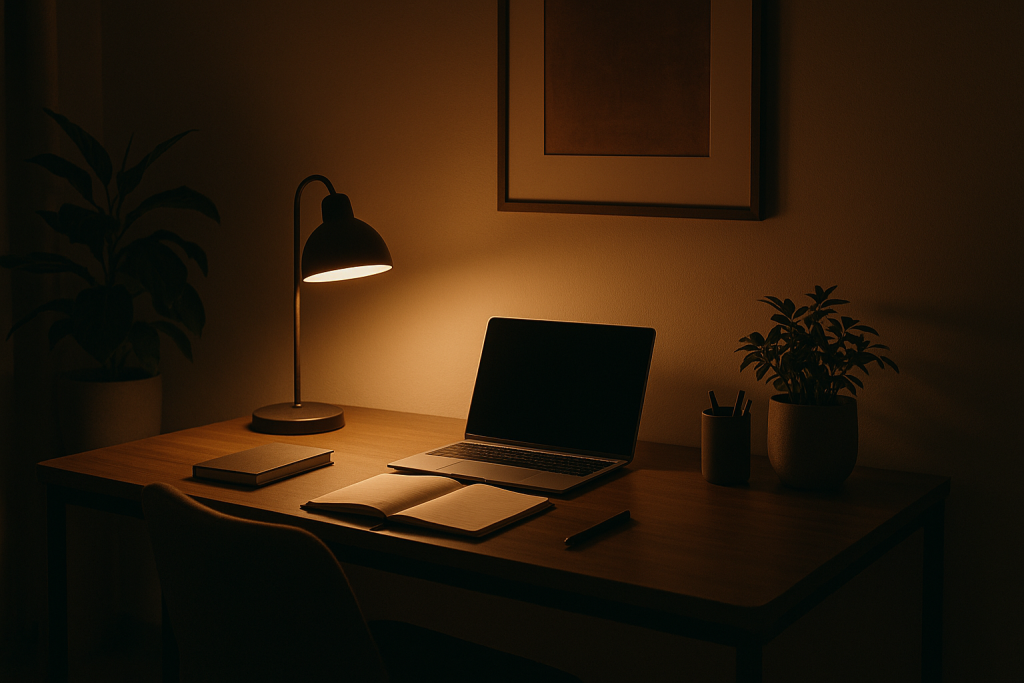
Your brain works differently depending on the light around you. Bright, neutral lighting makes it easier to stay alert, while dim or warm lighting signals your mind to slow down. It’s subtle, but when you’re working for long stretches, your lighting is controlling more than you think.
Natural daylight is always the best starting point, but it’s unpredictable and doesn’t always hit the right part of your desk. That’s why workspace lighting needs to be designed, not improvised.
The wrong lighting — especially a single overhead ceiling light — creates shadows, glare and that “flat” look that makes a workspace feel messier than it actually is. Good lighting, on the other hand, creates layers, depth and clarity.
What Counts as Optimal Workspace Lighting?
Optimal workspace lighting isn’t about buying the brightest lamp you can find. It’s about balancing a few key factors:
Colour temperature
Aim for 4000K–5000K. This range is bright enough to stay focused without being clinical. Anything warmer turns the space sleepy, anything cooler becomes harsh.
Brightness / lumens
For desk work, around 400–600 lumens of focused task lighting is usually enough.
Ambient room lighting should be higher — around 1,500–3,000 lumens depending on room size.
Avoiding glare
Glare makes your eyes work harder. Your lights should illuminate your workspace, not your screens.
Use more than one light source
Designers often follow a “two-light rule”:
- A soft ambient light to fill the room
- A directional task light aimed at the desk (but not the screens)/.
Just these two instantly improve most setups.
Focused Workspace Lighting: The One Lighting Layer Most People Overlook
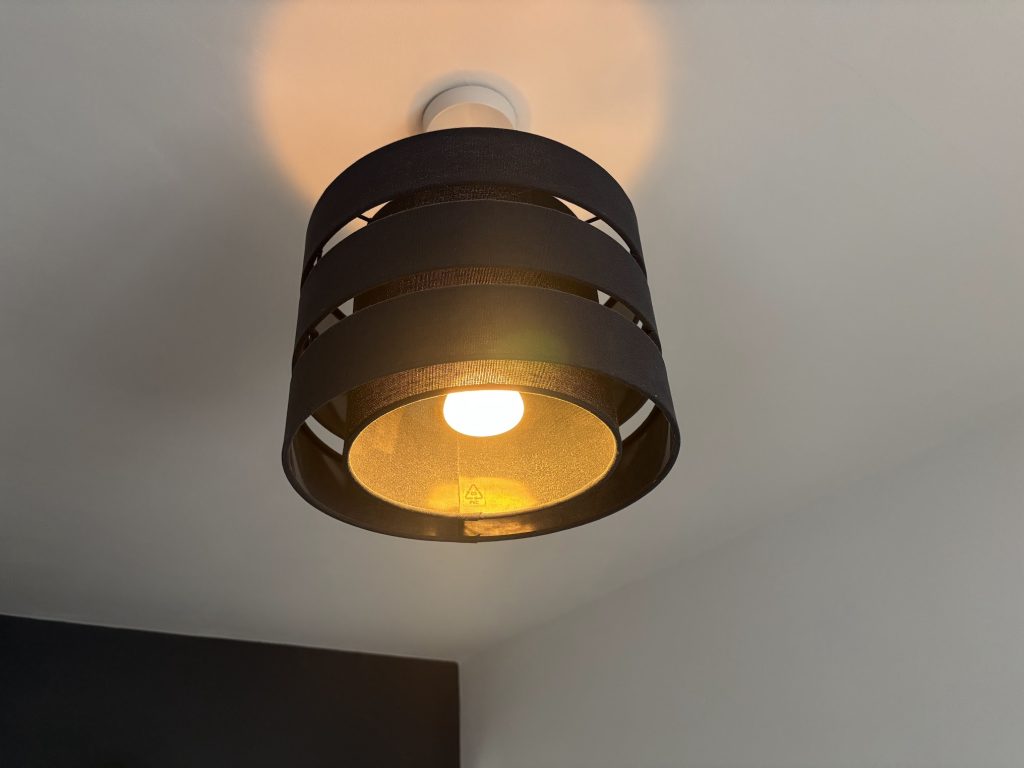
Overhead lights illuminate the room, but they don’t illuminate the work.
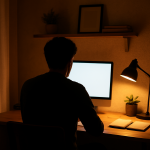
This is where focused workspace lighting comes in — a dedicated task light aimed at the area you actually interact with: your keyboard, notebook or drawing tablet.
A proper task light should:
- Be adjustable
- Sit on an arm or low-profile base
- Direct light downwards or at a 45° angle
- Avoid shining directly into your eyes
It’s the difference between your workspace feeling flat versus intentional. A directional lamp also adds depth to the scene, which is why most aesthetic desk setups always include one.
Workspace Lighting Ideas You Can Actually Implement
You don’t need to fill your desk with hardware to get good lighting. These ideas work for minimalist and clean setups — especially if you lean toward that “aesthetic purist” look:
Under-monitor light bars
Soft, even light across the keyboard area without adding bulk.
Behind-desk bias lighting
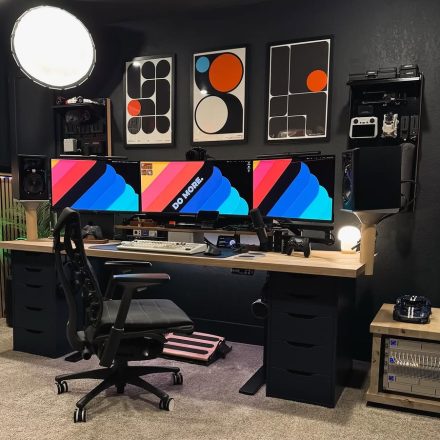
LED strips behind the desk or monitor add separation from the wall and reduce screen eye strain.
Hidden LED strips
Run strips under shelves or behind the back edge of the desk — invisible during the day, ambient at night.
Directional task lamps
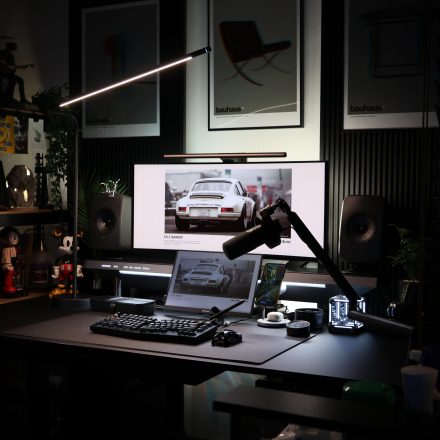
Slim, adjustable arms that can sit behind a monitor arm without cluttering the desk surface.
Lighting behind objects
If you keep plants or trays on your desk, placing a small diffused light behind them creates depth and a studio-like feel.
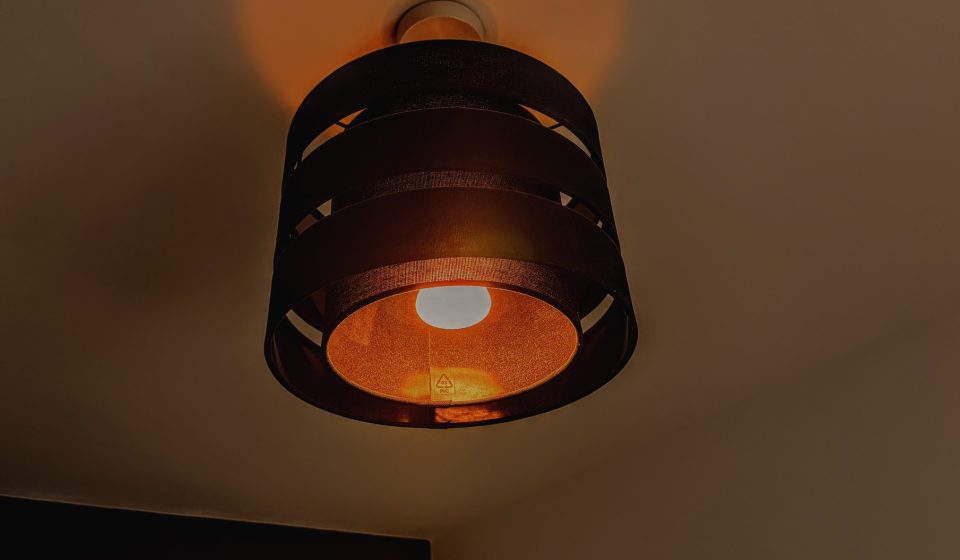
A simple rule: If you can see the bulb, it’s the wrong lamp
Good lighting should feel like it appears from nowhere.
Our Simple Deskfully Lighting Framework
A quick way to get lighting right without overthinking it:
- Anchor the room
Use a soft ambient light — a diffused floor lamp or a ceiling fixture with a shade. - Add focused task lighting
Something adjustable that creates a clean pool of light on the desk surface. - Add one hidden depth light
LED strip, bias light, or a lamp tucked behind the monitor or a plant. - Match your colour temperatures
Keep everything around 4000–5000K to avoid the space feeling disjointed.
This three-layer system works in almost any workspace.
Bringing It All Together (And Tying It Back to Cable Management)
Lighting is the final piece that makes your workspace feel intentional. But it also introduces more cables — and this is where good design quietly continues behind the scenes.
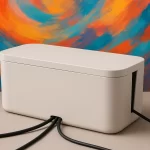
In our cable management guide, we showed how mounting a surge socket to the back of the desk keeps everything elevated and hidden. This becomes especially useful with lighting setups, because lamps and LED strips often come with bulky adapters.
A clean workspace isn’t just about hiding cables; it’s about designing every detail so nothing steals focus — not even the lighting.