Make Your Desk Feel Bigger Without Buying a Bigger Desk
A desk doesn’t have to be physically bigger to feel better.
Table Of Content
- Why small desks feel cramped even when they’re tidy
- The single biggest change you can make to a small desk
- Get your monitor off its stand
- Use a desk pad to define the space
- Use vertical space to free the surface
- Create clear edges and sight lines
- Reduce visual weight without removing function
- Lighting changes how big a desk feels
- One anchor point is enough
- A small desk can feel bigger than it is
If your desk feels cramped, overwhelming, or strangely tiring to work at, the problem often isn’t the size of the surface — it’s how the space is being used and perceived. Small desks amplify visual mistakes. Every object sits closer to your eye line, every interruption feels louder, and every poor layout decision eats into your sense of calm.
This isn’t about owning less or starting again from scratch. It’s about making your desk feel bigger through simple, design-level decisions that work even when space is limited. Most of them cost nothing. Several of them will have an immediate effect.
Why small desks feel cramped even when they’re tidy
A desk can be technically tidy and still feel boxed in.
That’s because our brains don’t measure space in centimetres — they read edges, depth, and visual weight. Research from Princeton Neuroscience Institute found that visual clutter directly competes for neural resources, which explains why a busy desk feels cognitively heavier than a clear one. When everything sits flat, crowded, or visually heavy, the desk surface feels compressed regardless of how organised it actually is. You can line everything up neatly and still feel like the space is closing in on you.
This is why purely organisational fixes don’t always solve the problem. Organisation addresses quantity. Perception is something different — and it’s perception that determines how a desk actually feels to sit at for eight hours.
The single biggest change you can make to a small desk
Before anything else: look at what’s actually on your desk surface and ask honestly whether it needs to be there at all.
The most significant change we made to our own setup wasn’t a new desk or a new accessory. It was moving a 15-inch MacBook Pro off the desk entirely onto a unit positioned just beside it. The laptop screen is still visible — useful for low-priority tasks like changing music or glancing at Slack — but it no longer occupies desk space, and it no longer competes for attention.
That one decision cleared roughly 20% of the desk surface. Not because the laptop was clutter, but because a laptop keyboard pushes everything else forward. With it gone, the working area immediately felt more open and the remaining objects — monitor, lamp, felt pad — had room to breathe.
There’s a wider principle here that’s worth naming: more than one screen is often a distraction rather than an upgrade, particularly when the split falls down the centre of your field of vision. A second monitor directly alongside a primary one divides attention constantly. A laptop positioned slightly to the side, used only for glances rather than sustained work, is a more honest use of a second screen — present when needed, easy to ignore when not.
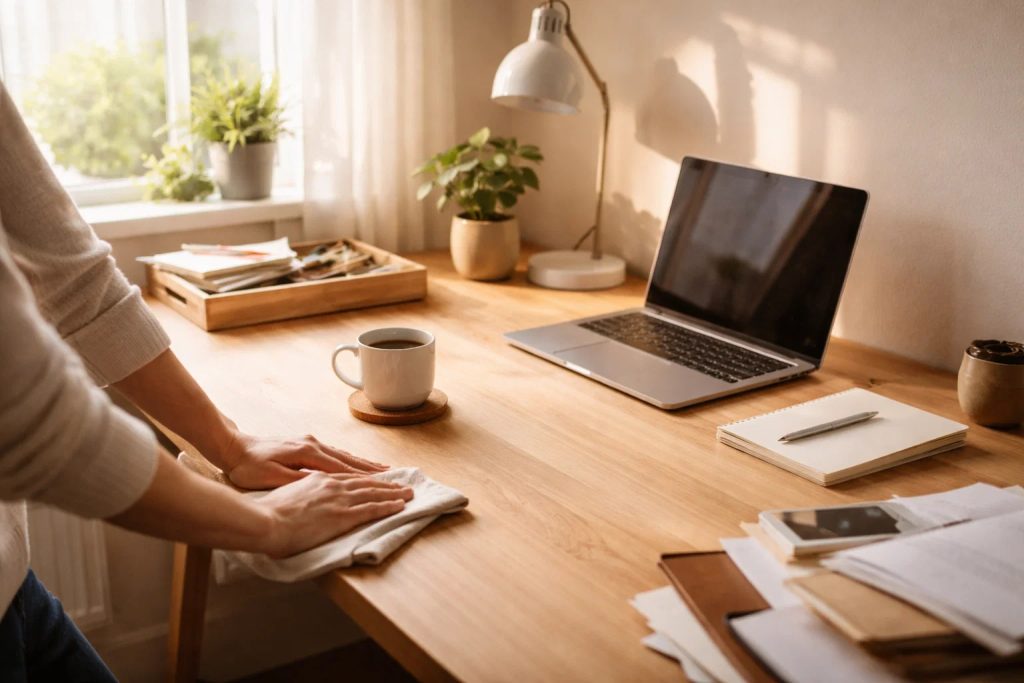
Get your monitor off its stand
This is the change that makes the most immediate difference to usable desk space, and it’s consistently underestimated.
Most monitors come with stands. The stands are functional. They also have feet that extend a significant distance forward across the desk surface, creating a dead zone of unusable space that sits permanently between you and the monitor.
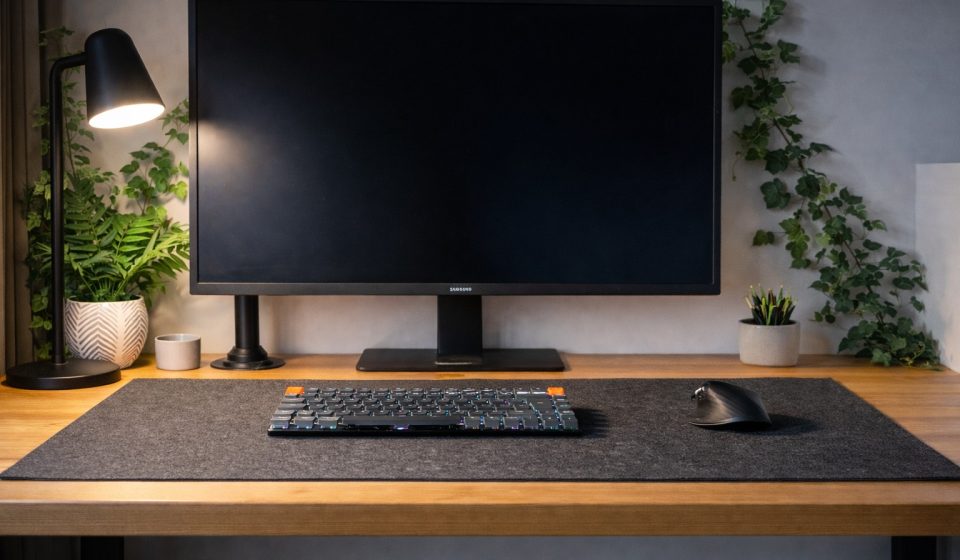
A monitor arm fixes this completely. With the arm mounted to the desk edge or wall, the monitor sits flat against its background with nothing underneath it. The feet disappear. The dead zone disappears with them. The full depth of the desk becomes usable again.
Beyond the space saving, a monitor arm gives you precise control over height and angle in a way a fixed stand never can — something that becomes more valuable the longer you spend at a desk each day. It’s one of the highest-impact, lowest-cost changes available to a small desk setup, and it tends to produce an immediate and visible difference the moment it’s installed.
Use a desk pad to define the space
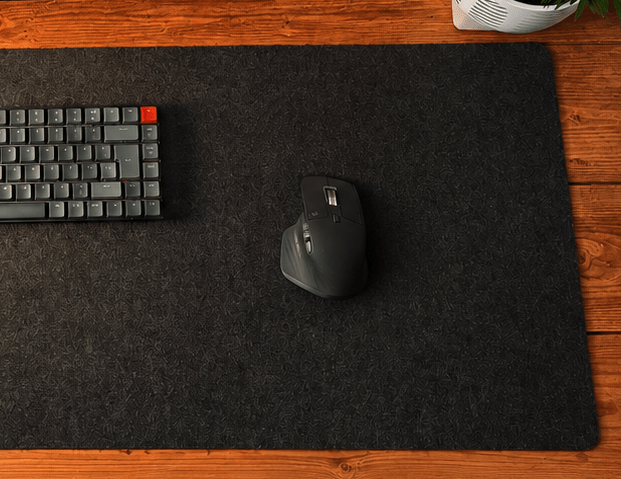
A desk pad does something slightly counterintuitive: it makes a small desk feel more intentional and, as a result, more spacious.
The key is proportion. A pad that covers roughly 70-80% of the desk surface — leaving a few inches clear at each edge — creates a defined working zone without overcrowding the surface. The pad becomes the visual anchor of the desk. Everything placed on it looks considered. The exposed edges of the desk surface around it give the eye somewhere to rest.
Ours runs beneath the mouse and keyboard with around four to five inches of desk visible at each edge. It’s a subtle addition — not dramatic in itself — but it changes how the desk reads as a whole. The surface feels organised without feeling reduced.
Material matters too. A felt pad in a neutral tone sits quietly without competing for attention. It also dampens sound slightly, which has a small but noticeable effect on how calm the workspace feels.
Use vertical space to free the surface
When horizontal space is limited, vertical space becomes your most useful resource.
Raising elements off the desk surface creates the feeling of more room even though the desk hasn’t changed. The eye reads layers as depth — flat planes feel compressed, stacked planes feel more spacious. Elevating your screen, lifting a lamp rather than letting it sprawl across the surface, allowing negative space beneath raised items — each of these contributes to a desk that feels more open than its dimensions suggest.
The goal isn’t to add height everywhere. It’s to avoid everything competing for the same visual plane. A desk where objects exist at different heights feels more dynamic and more considered than one where everything sits flat.
Create clear edges and sight lines
One of the fastest ways to make a desk feel smaller is by losing its edges.
When cables spill over the sides, objects overhang the front, or items blur the desk’s outline, the eye stops reading the desk as a defined shape. It feels heavier and more cluttered than it actually is. Clear edges give the eye a boundary — and boundaries, counterintuitively, make a space feel more open rather than more constrained.
This is where cable management stops being a purely aesthetic concern and becomes a spatial one. Cables breaking the visual line of a desk edge make the surface feel smaller. Routed cleanly and kept out of sight, they allow the desk to read as a clean, defined rectangle — which immediately feels more spacious.
Reduce visual weight without removing function
This is where many people instinctively reach for decluttering — but removing objects isn’t always the answer.
Visual weight is separate from object count. A dark, heavy object feels more intrusive than a light one of the same size. Scattered items feel busier than grouped ones. Inconsistent materials pull attention in multiple directions simultaneously. A few well-balanced groupings will feel lighter than many isolated objects, even if the total number of items is identical.
Think about the objects on your desk in terms of how much visual attention they demand rather than how much physical space they occupy. A single plant in a simple white pot demands very little. A tangle of cables, a scattered set of chargers, and three mismatched objects demand considerably more — regardless of their actual footprint.
Lighting changes how big a desk feels
Flat overhead lighting compresses a space. Directional or angled lighting introduces shadow and depth, which makes the area feel more three-dimensional and, as a result, more spacious.
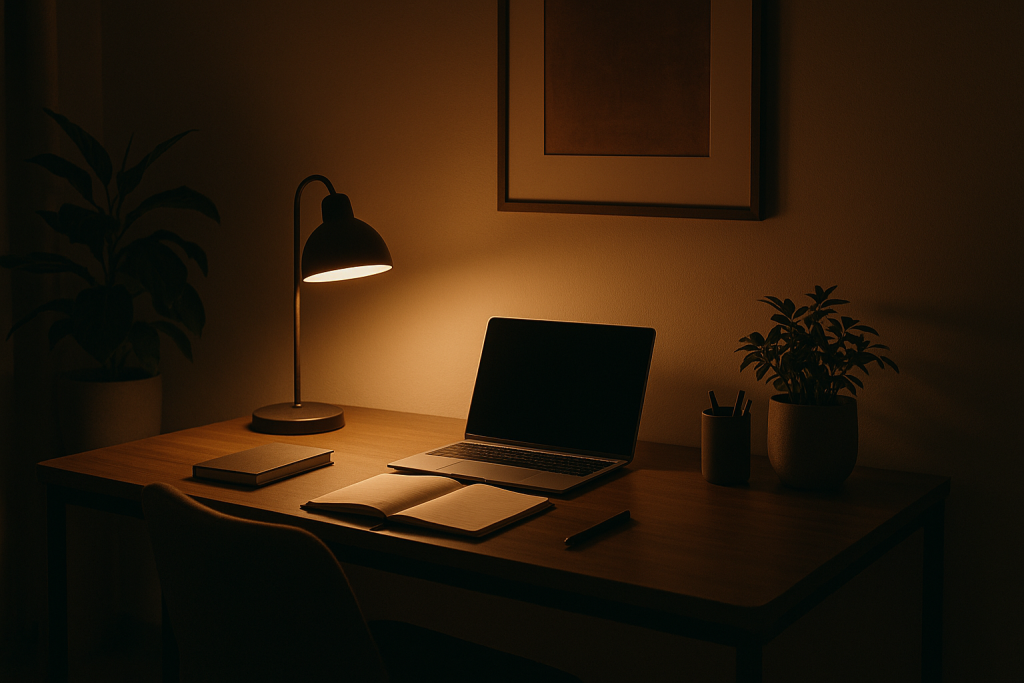
Good task lighting — positioned to illuminate the desk surface from the side or above at an angle rather than flat overhead — separates objects visually, creates depth cues, and reduces the boxed-in feeling that badly lit desks produce. If your desk feels particularly tight in the evening, lighting is often the reason.
Warm-toned light in the 2700K range also changes the feel of a workspace significantly — making it feel calmer and more considered rather than clinical and compressed.
One anchor point is enough
Small desks don’t need multiple focal points.
When too many objects compete for attention simultaneously, the desk feels visually noisy regardless of how tidy it actually is. One deliberate anchor — something that grounds the space and gives the eye somewhere to settle — allows everything else to recede quietly into the background.
This might be a single plant, a lamp with some presence, or one carefully chosen object that adds calm without demanding attention. The mistake isn’t having character on a desk — it’s having too many competing elements all asking to be noticed at once.
A small desk can feel bigger than it is
When a desk feels cramped, the instinct is to remove more, buy more, or start again with a larger surface. In most cases, the fix is considerably simpler — clearer edges, better depth perception, lighter visual weight, and more deliberate decisions about what actually earns space on the surface.
The monitor arm. The laptop moved to the side. The desk pad that defines the working zone. The cables routed cleanly out of sight. None of these are dramatic changes. Together they produce a desk that feels calm, open, and considered — without changing its footprint at all.
A small desk, designed with intention, can feel like exactly enough.