Desk Setup Ideas That Actually Reflect How You Work
There’s a version of a desk setup that exists purely for Instagram. Perfectly symmetrical. Matching peripherals. A plant that looks like it’s never been touched. You’ve seen it — we all have — and if you’re honest, it probably made you feel a bit inadequate about your own setup.
Table Of Content
But here’s the thing: the most useful desk setups aren’t designed to be photographed. They’re designed to be worked at. And there’s a significant difference between the two.
This isn’t a list of the most expensive gear or the most aesthetically extreme workstations we could find. It’s a collection of ideas — some simple, some involving a bit more thought — that are worth stealing if your desk currently isn’t working as well as it should.
Start with the surface itself
The desk top is the foundation of everything. And yet most people give it almost no thought, defaulting to whatever flatpack option was cheapest or most convenient at the time.
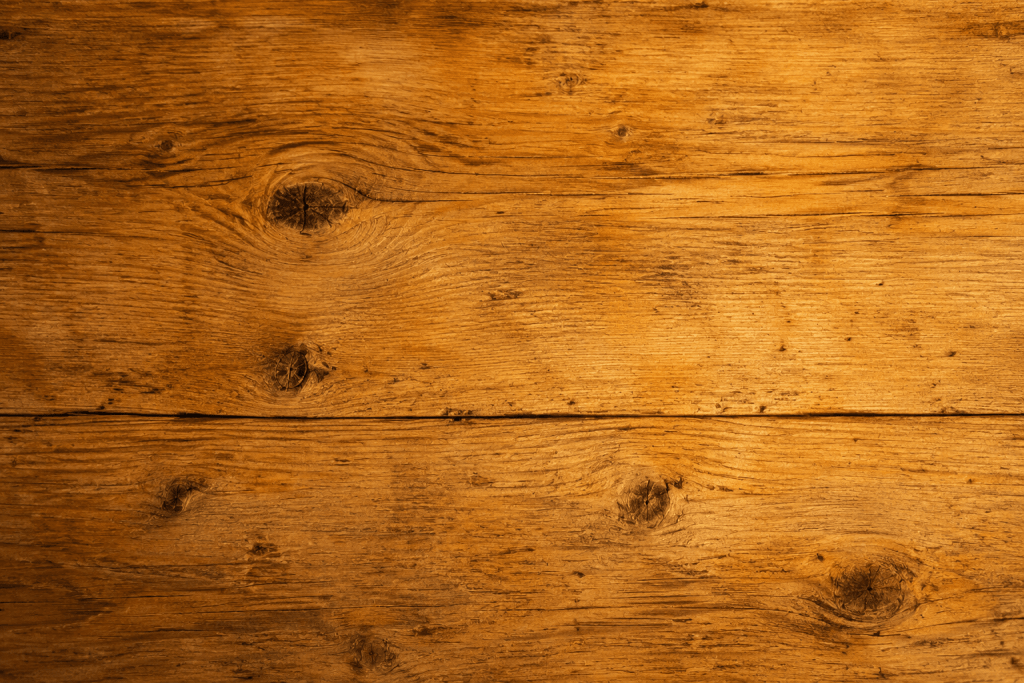
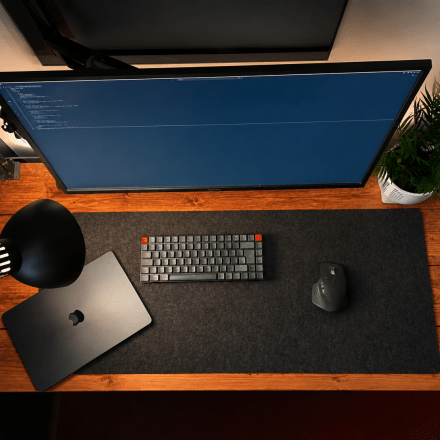
We made a different choice. Our desk surface is a repurposed scaffolding plank — solid, warm, and genuinely characterful in a way that no manufactured desktop quite replicates. It has the kind of texture and grain that makes you want to clear everything off it just to see it properly. Which, as it turns out, is not a bad instinct.
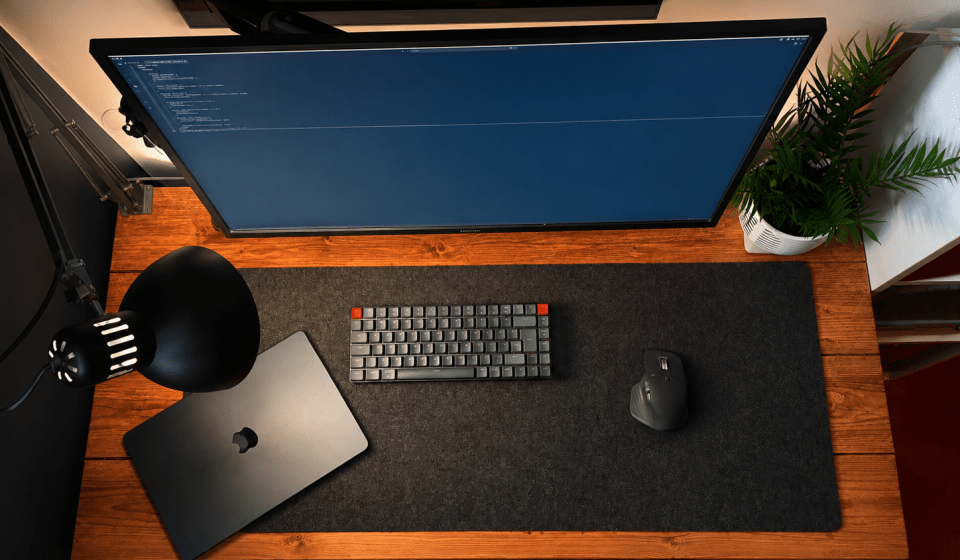
The material of your desk surface affects how the whole space feels. Warm wood tones — whether reclaimed, stained, or simply oiled — bring a calm, grounded quality that cold white or grey surfaces don’t. If you’re stuck with a desk you don’t love, a quality desk pad can go a long way toward transforming how the surface feels to work on. We use a felt pad that covers roughly seventy percent of the surface — enough to anchor the space without hiding it entirely.
The monitor situation is worth getting right
This is the one most people get wrong, and it matters more than almost any other decision you’ll make about your setup.
We learned this the hard way. The monitor we use came with a stand — a perfectly functional stand that positioned the screen at a reasonable height and held it perfectly steady. The problem was the feet. They extended a long way forward, eating into the already limited desk space and making it feel permanently cluttered before a single thing had been placed on it.
A monitor arm fixed this entirely. With the arm mounted flat against the wall, the desk surface was suddenly, completely clear. No feet, no cable mess underneath the stand, no awkward zone of desk you couldn’t actually use. As a bonus, the arm gave us full control over monitor height in a way the stand never had — something you don’t realise you’re missing until you have it.
If your desk feels smaller than it should, check your monitor stand before you start thinking about buying a bigger desk. A monitor arm is one of the highest-impact, lowest-cost improvements you can make to a small workspace.
Lighting deserves more attention than it usually gets
Most people treat desk lighting as an afterthought. A lamp gets placed somewhere vaguely near the desk and left there indefinitely, regardless of whether it’s actually doing a useful job.
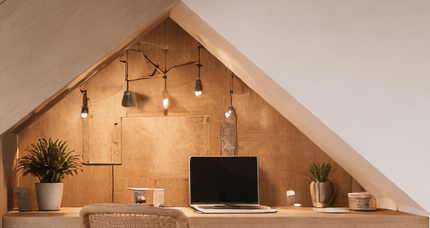
The two things worth thinking about are direction and warmth. Direct light hitting a monitor screen causes glare that’s genuinely fatiguing over a long work session — light should illuminate your desk surface and your face without pointing anywhere near the screen. Warm-toned bulbs (somewhere around 2700K) make an enormous difference to how a workspace feels in the evening, shifting it from the clinical brightness of an office to something more human and settled.
We use a lamp that bolts directly onto the desk edge — a small detail that keeps the surface free and gives a precise, controllable light angle. It’s not a perfect solution. On bright days, natural light still creeps onto the screen in ways we haven’t fully solved yet. Blackout blinds are on the list. But the lamp itself earns its place every single evening.
Think carefully about what actually needs to be on the desk
The instinct, when you’re setting up a workspace, is to put everything within reach. Pens, notebooks, chargers, a second screen, speakers, whatever you happen to own. The result is a desk that feels full before you’ve even opened a laptop.
A more useful question is: what do you actually reach for during a work session?
For us, the honest answer is not very much. A MacBook in clamshell mode on a stand. A felt pad. A lamp. A small plant in a white pot that does nothing except look quietly alive. Everything else — documents, headphones, bags — lives off the desk entirely. We have a pegboard-style board mounted directly next to the desk where headphones hang, documents that need to be at hand are clipped, and anything that would otherwise creep onto the surface gets assigned a home that isn’t the desk itself.
This distinction matters: things that are adjacent to your workflow belong adjacent to your desk, not on it.
A plant is not decoration
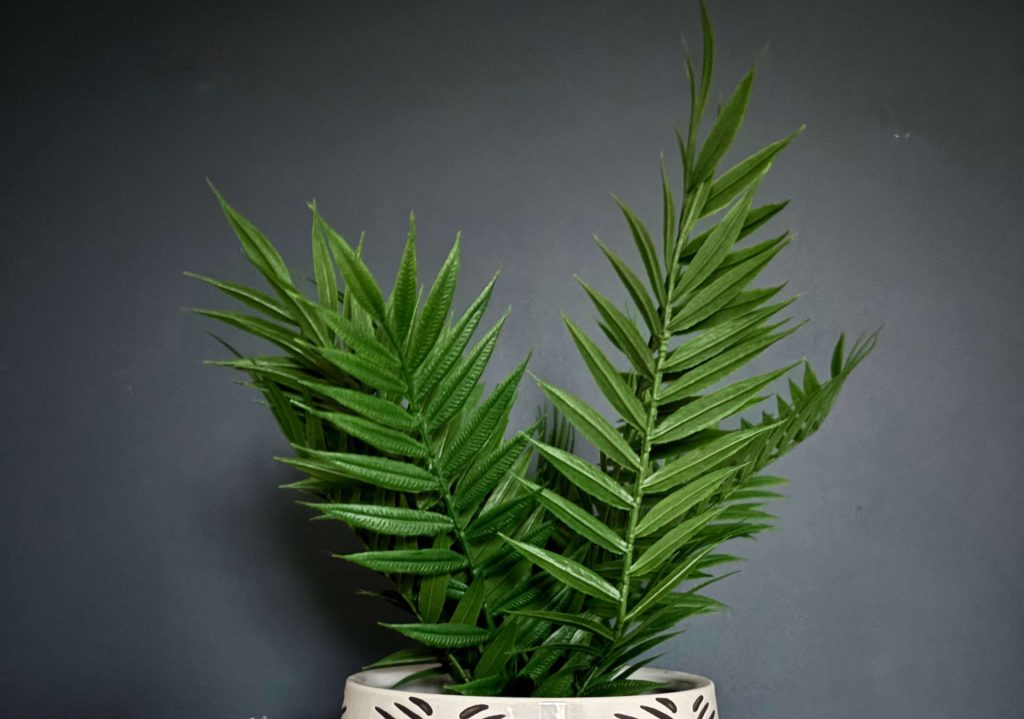
This sounds slightly earnest, but there’s reasonable evidence behind it. Having a living thing in a workspace — even a small one — has a measurable effect on how the space feels. Not in a productivity-hack sense, but in the simpler sense that a plant introduces a kind of calm that’s hard to manufacture with objects alone.
Ours is small, sits in a white pot, and takes up almost no room. It requires no maintenance. It makes the desk feel like somewhere a person actually spends time, rather than a workstation optimised within an inch of its life.
If you don’t have one, it’s worth trying before you dismiss it.
The setups worth borrowing from
Rather than an exhaustive gallery of aspirational workstations, here are a few distinct approaches that are genuinely worth considering depending on your situation:
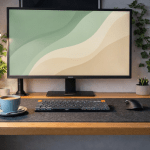
The minimal single-monitor setup One screen, one input device, nothing else on the surface. Harder to maintain than it looks, but the constraint is the point. Forces you to be deliberate about what earns desk space.
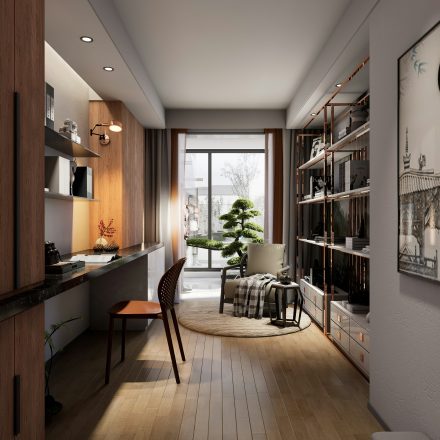
The small-room setup done properly A single bedroom-sized home office can be genuinely excellent if the furniture is chosen carefully. A wall-mounted or floating desk keeps floor space open. Vertical storage — shelving above the desk rather than beside it — keeps the room from feeling compressed. Good lighting does more for the feel of a small room than almost any other single change.
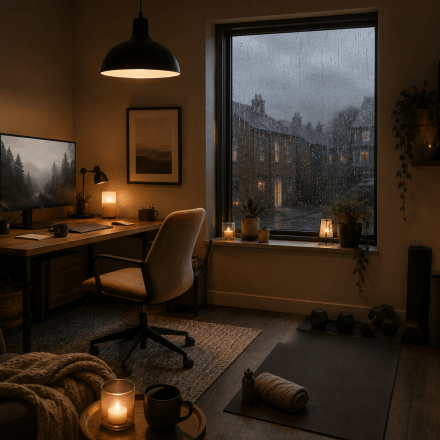
The warm-minimal setup Natural materials, warm light, one or two plants, neutral tones. Less about performance, more about creating a space you genuinely want to spend time in. This is the direction we lean, and it’s the aesthetic Deskfully is most interested in exploring.
What actually makes a setup work
The honest answer is that it’s less about the specific objects and more about the decisions behind them. A desk that works is one where everything present has earned its place — where the layout has been thought about rather than assembled by default, and where the overall effect is a space that makes starting work feel slightly easier than it did before.
That’s a low bar, in a sense. But it’s the right one.
The setups that look best in photographs are often the ones that are hardest to actually work at. The setups that are best to work at are usually the ones that got there through a series of small, considered decisions made over time — not all at once, and not for anyone else’s benefit.
Start there. The rest tends to follow.